
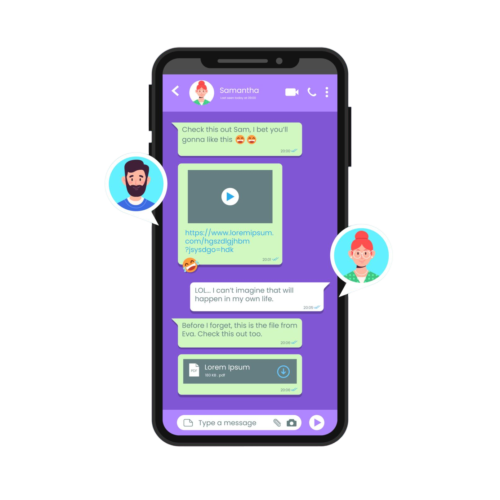
An automated tool called a WhatsApp™ political chatbot uses the messaging app WhatsApp™ to interact with voters and supporters. It can do many functions like answering queries, distributing campaign materials, gathering voter information, and planning events. It provides constant engagement, customized communications, and updates on important problems and is accessible around-the-clock. The chatbot can gather voter data, handle RSVPs and event reminders, handle donations, and find volunteers. Automated replies, broadcast messages, interactive content, surveys, and CRM connection are some of the important features. Setting goals, selecting a platform, creating conversation flows, integrating the chatbot with a CRM, testing, advertising, and tracking results are all part of putting the chatbot into practice. This improves voter participation, simplifies campaign operations, and offers perceptions into the interests and worries of voters.
Voters can receive individualized messages from chatbots that update them about the campaign, important issues, and forthcoming events. They can also get input by conducting surveys.
Chatbots, as opposed to human employees, are accessible 24/7 to respond to inquiries, offer details, and interact with supporters.
Chatbots can collect and manage voter information, preferences, and feedback, which can be used to tailor campaign strategies and messages.
They can send reminders about rallies, debates, and other campaign events, and help manage RSVPs.
Decide what you want the chatbot to accomplish, such as managing events, gathering data, and engaging voters.
Select a chatbot platform that integrates with WhatsApp™. Popular options include Twilio, Dialogflow, and ManyChat.
Create conversation flows and scripts for various scenarios. Ensure the bot can handle common questions and tasks.
Link the chatbot to the CRM for your campaign in order to handle and keep voter data.
Make voters aware of the chatbot through your campaign website, social media, and other communication channels.